CoachSolo gives parents a simple website to view a coach's availability, book sessions, pay online, and track their children's progress — no app download required.
Most parents arrive via a coach's booking linksent by text, WhatsApp, or email. You sign in on the website when you're ready to book.
How you usually arrive
Your coach shares a personal link, e.g. coachsolo.co.uk/coach/jane-smith. You see that coach's profile and available slots straight away — no account needed to browse.
Sign in
When you're ready to book, sign in on the website with:
- Email — we send a one-time 6-digit code (works on any device), or
- Apple or Google (when enabled)
Coaches use Apple or Google in the iPhone app; parents can use email or social sign-in on the web.
Family profile (first-time setup)
New parents complete a short three-step setup:
- Family profile — your name and mobile number.
- Children— each child's name, sport, and skill level.
- Location— city, postcode, and how far you're willing to travel.
This helps match the right child when booking and powers future coach discovery features.
Book a session
On your coach's booking page:
- Pick an available slot.
- Sign in if you haven't already.
- Choose which registered child the session is for.
- Pay online if the coach accepts card payments (Stripe Checkout), or confirm the booking if payment is handled offline.
You'll get confirmation by email when booking emails are enabled.
Pay online
If your coach has completed Stripe payout setup, you pay securely at checkout. Payment goes to the coach's account — CoachSolo is not holding your money. Your booking and payment status appear in your parent home on the website.
Track progress
After signing in, open CoachFind (/coachfind) to reach your parent home. From there you can:
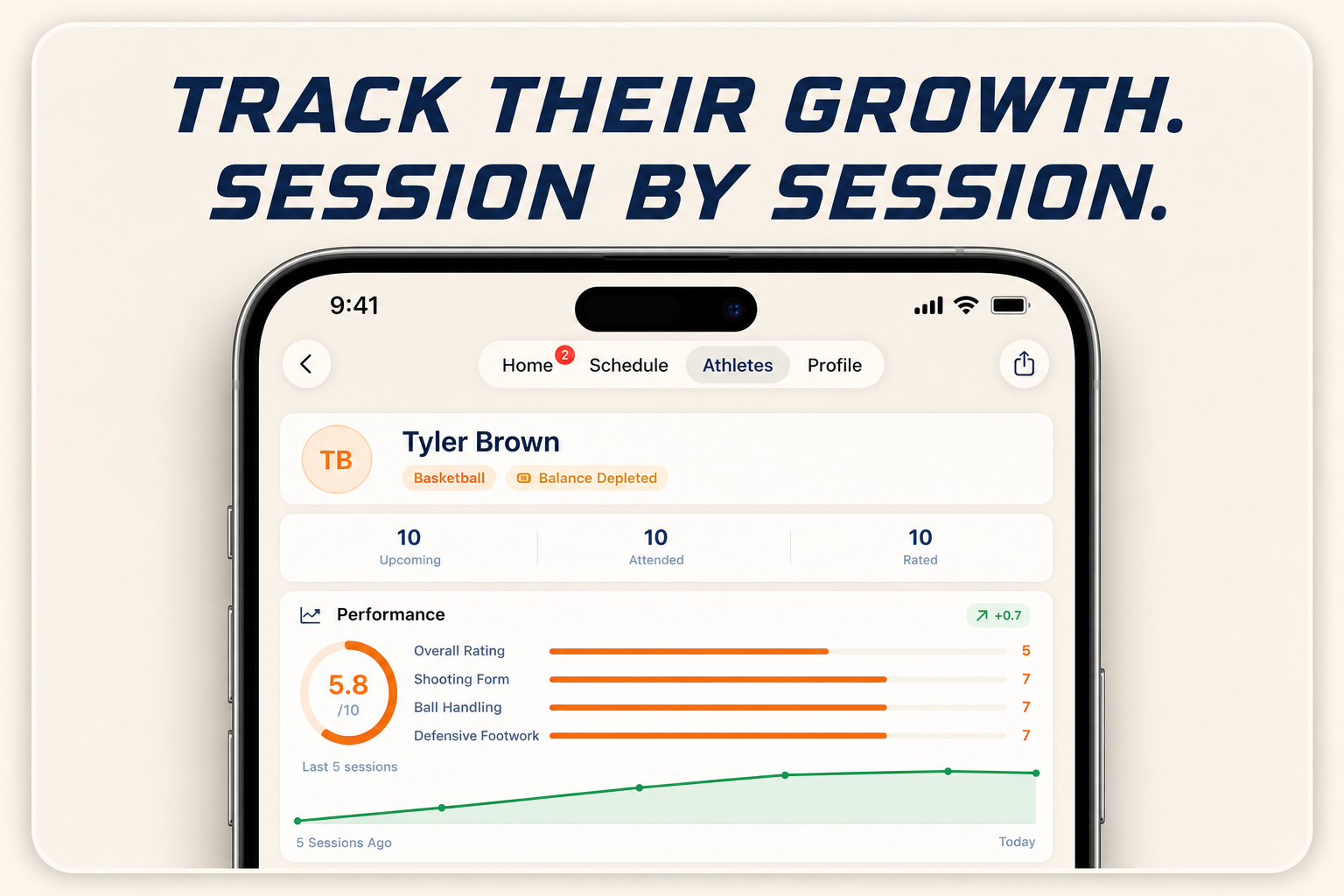
- See upcoming and past sessions for your children.
- View progress ratings and coach notes after completed sessions.
- Read Solo-Assist summaries when your coach has run clip analysis.
- Revisit saved coaches and book again.
What's coming soon
We're honest about what's live today versus what's still rolling out:
| Feature | Status |
|---|---|
| Book via coach link + online pay | Live (when coach completes Stripe setup) |
| Parent home, progress, and activity | Live (signed-in parents) |
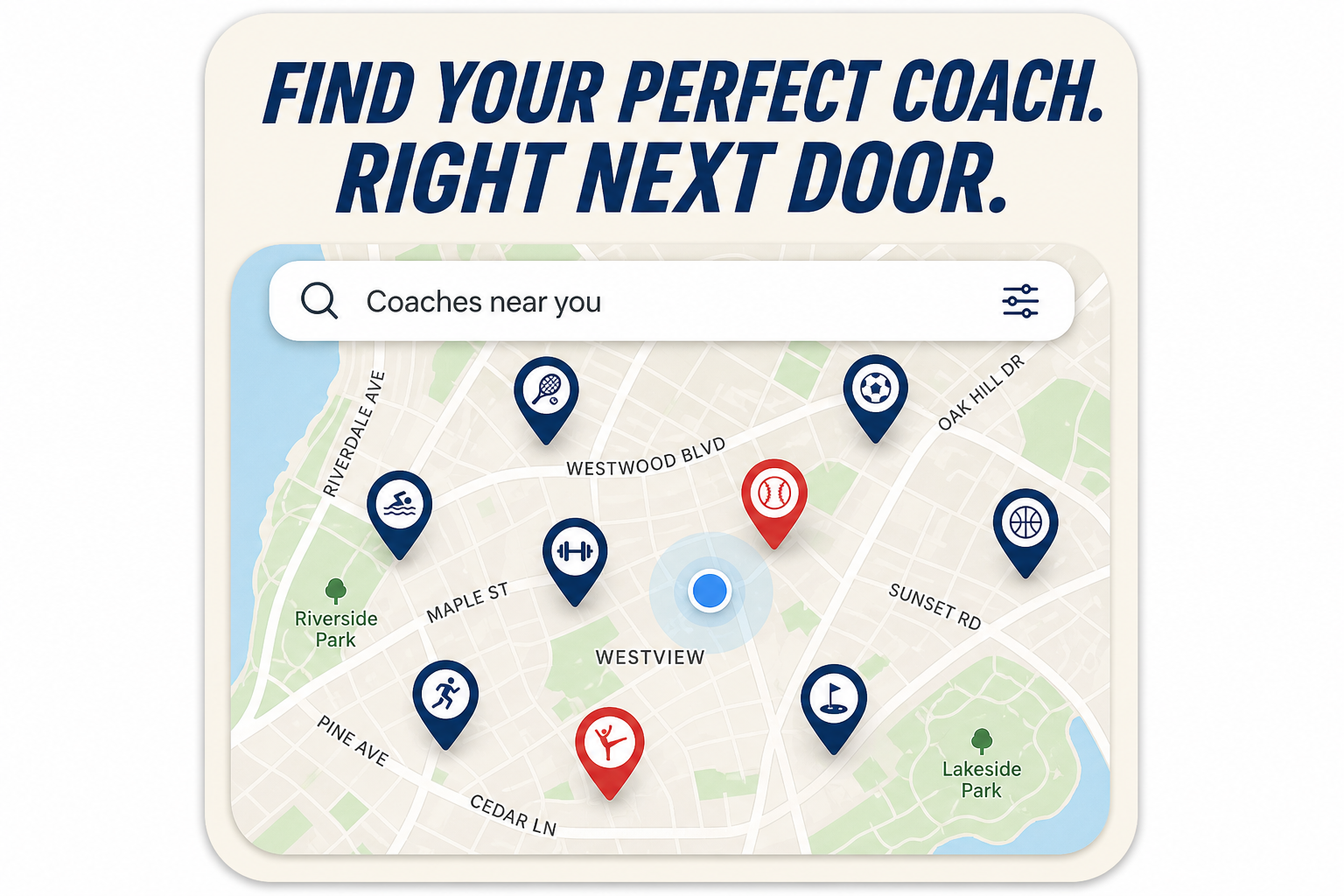
| CoachFind — browse and search coaches near you | Coming soon |
| Google sign-in on the website | Coming soon — email and Apple work today |
| QR code check-in at sessions | Planned |
| Package bundles and block booking on the web | Later |
| Parent iPhone app | Not planned for V2 — parents use the website |
If you open CoachFind before public launch, you may be redirected home with a “coming soon” notice unless you're already signed in as a parent.
Frequently asked questions
Do I need to download an app?
Can I see a coach's schedule before signing in?
How does payment work?
Why can't I find coaches near me on the website yet?
Support
Questions or feedback: support@solotraining.app